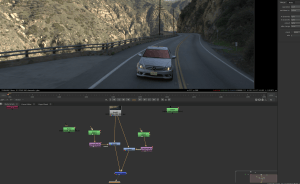
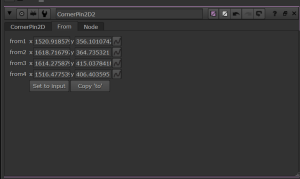
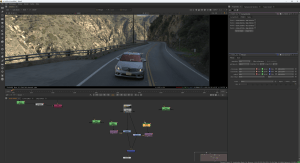
Week 1
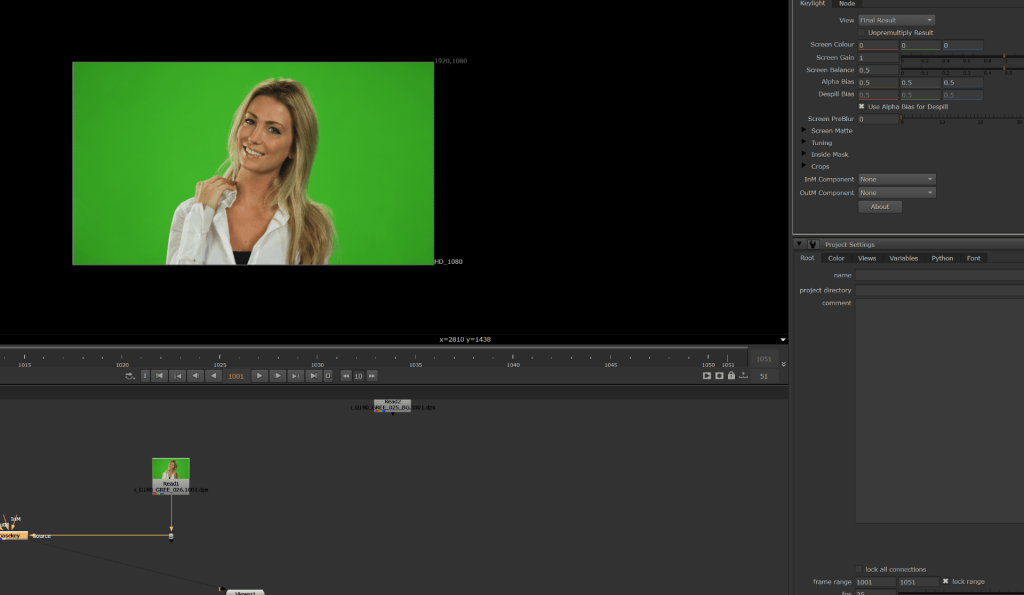
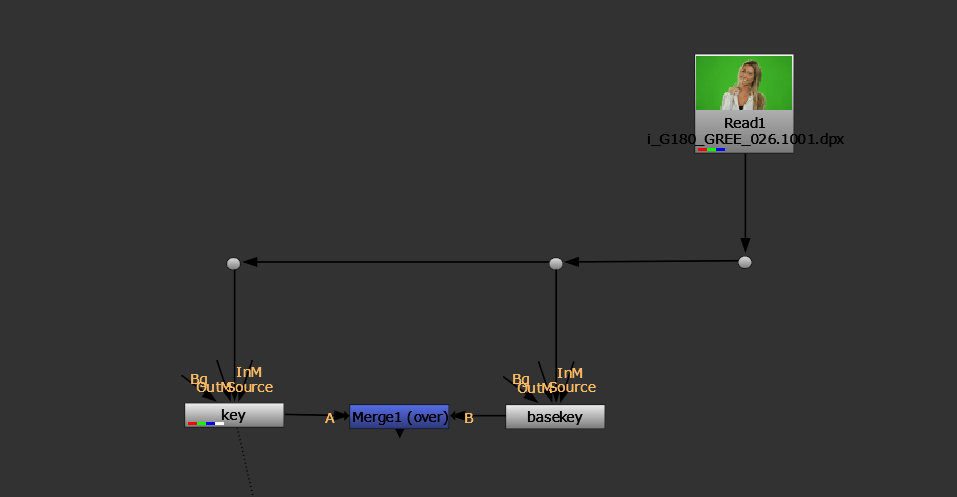
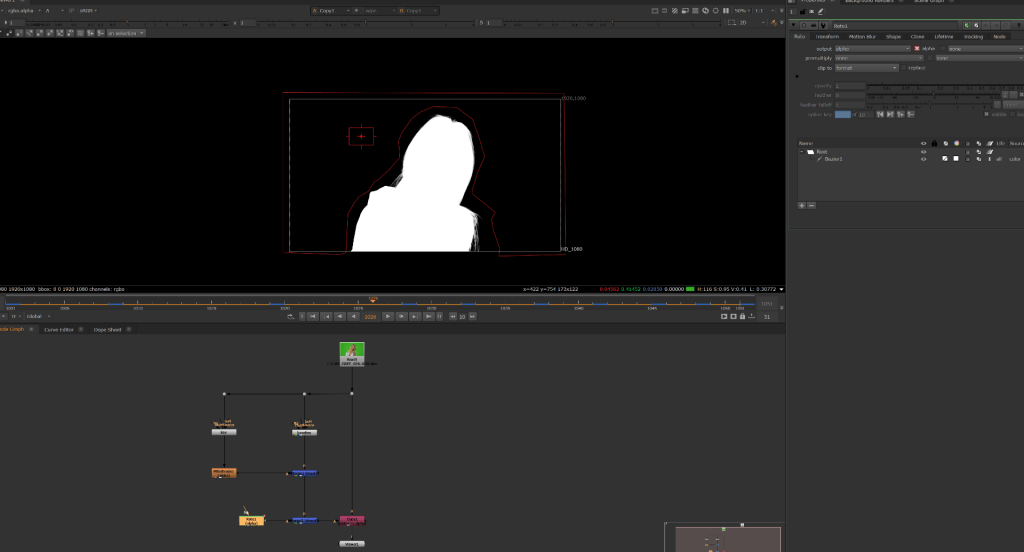
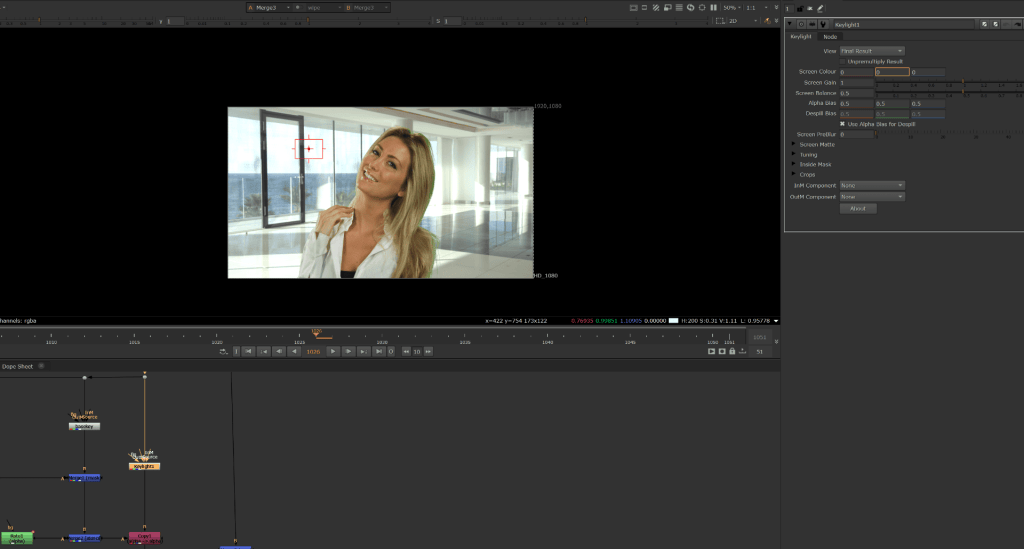
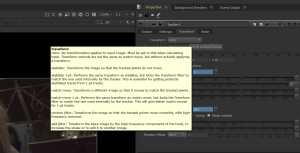
I was absent during this lesson however i did a catch up and viewed the materials shown during class. Below are screen prints of the content viewed from blackboard to give myself some understanding of how nuke works:
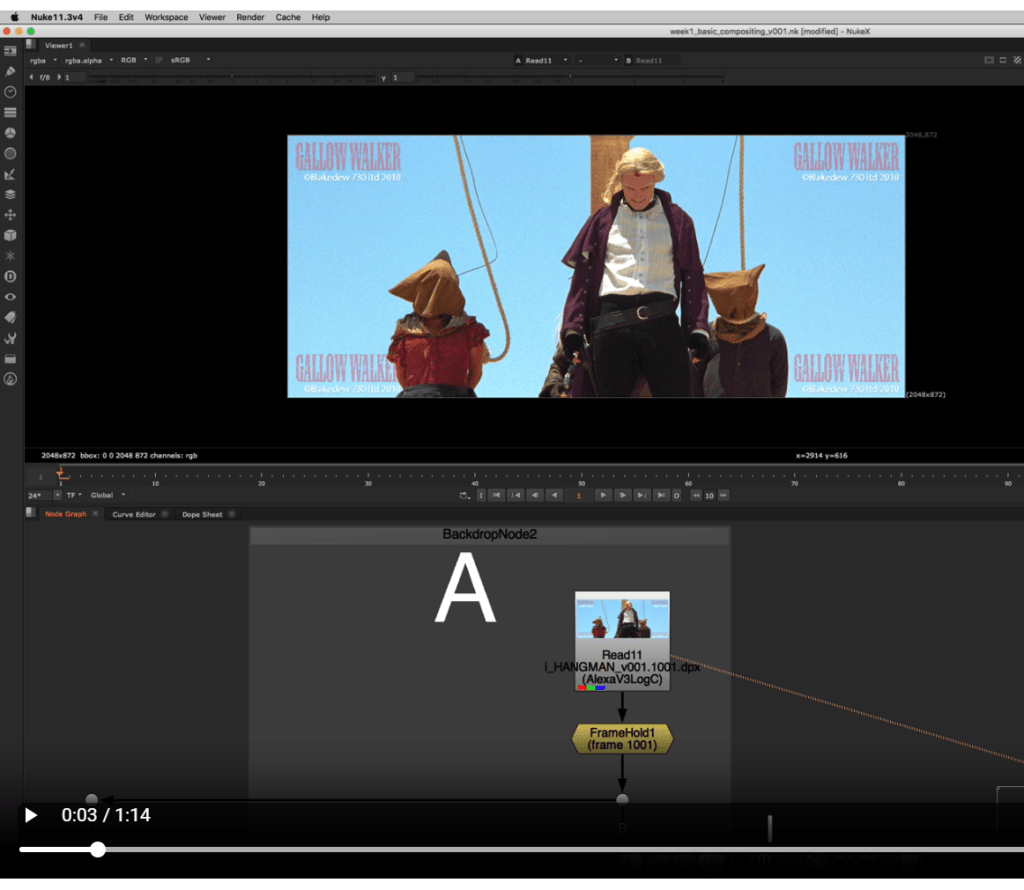

Nuke is software used to combine filmed footage, CGI and other elements into a finished shot. Its node based and allows artists adjust, layer and manage effects with precise control. For visual effects, Nuke can do tasks such as compositing, removing unwanted objects, adding backgrounds and matching CGI to live action footage to create short and long VFX sequences.
Week 2- Rotoscoping
Into todays lesson we are going to use the basics into order to learn rotoscoping and masking to change the appearance of some objects and integrate it into a scene.
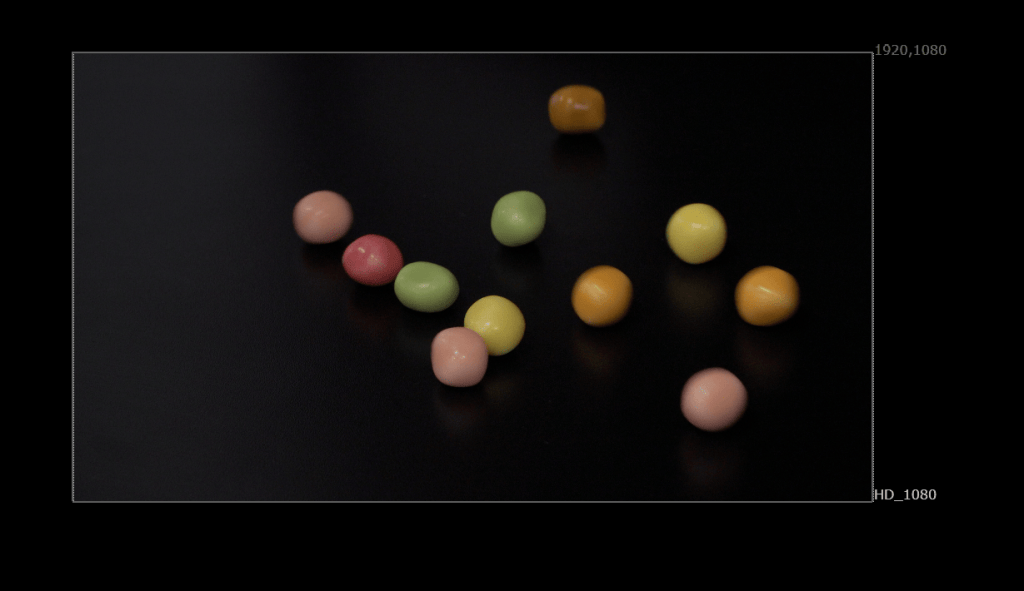
here is a still taken from the sequence showing the original appearance of the footage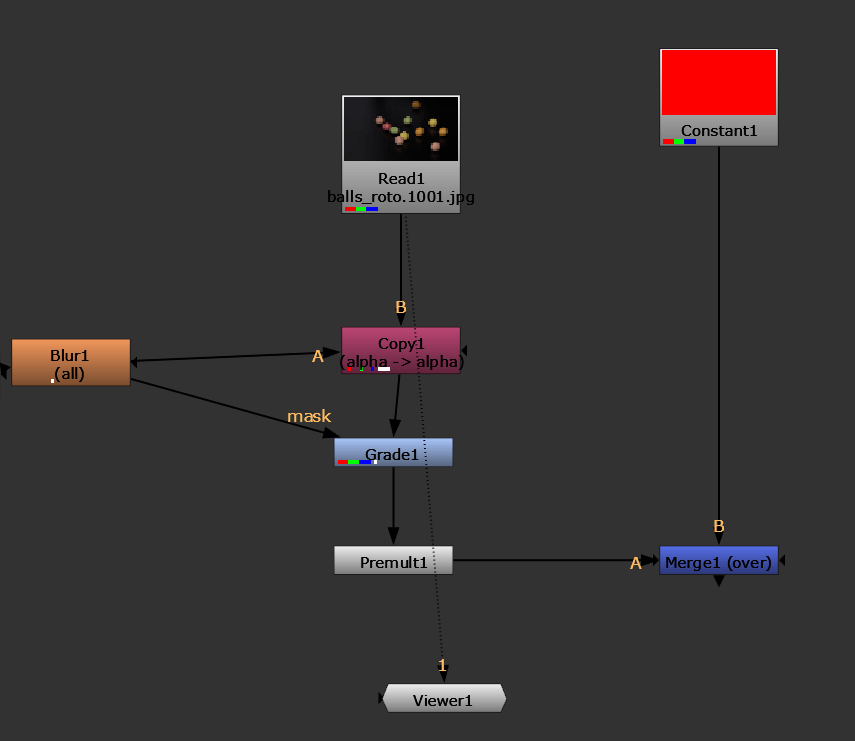
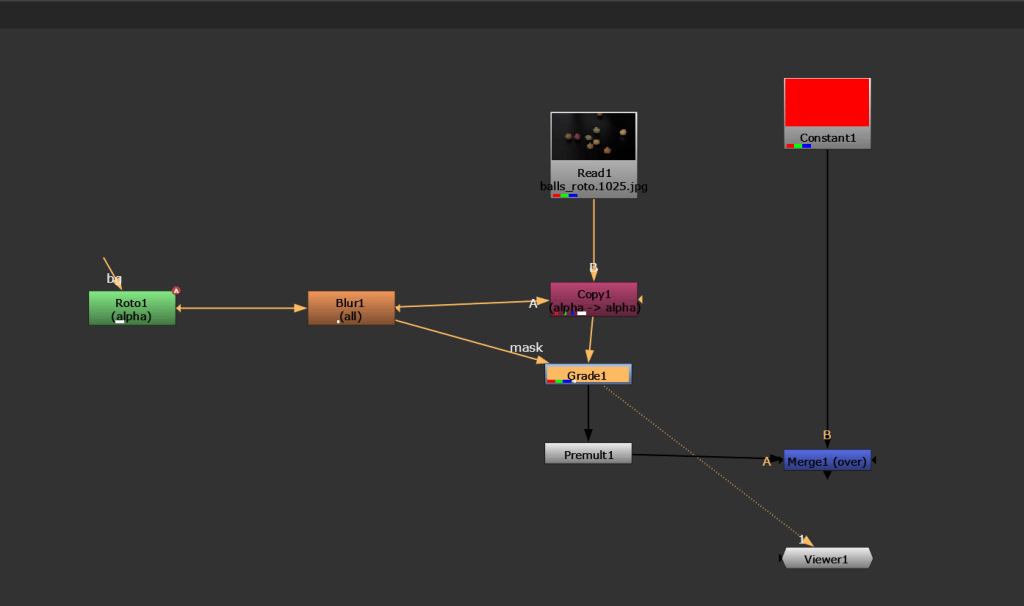
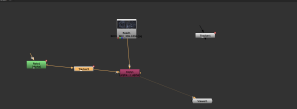
Balls roto is connected to copy1 this takes the image sequence and copies the masks alpha. the roto i created draws a mask around the skittle, the alpha is the effected area, i tracked it by moving the mask every couple key frames. the Blur1 softens the edge of the roto.
I got a Grade1 node and that changes the colour of the rotod sequence while it is connected to blur it stays only on the roto’d area.
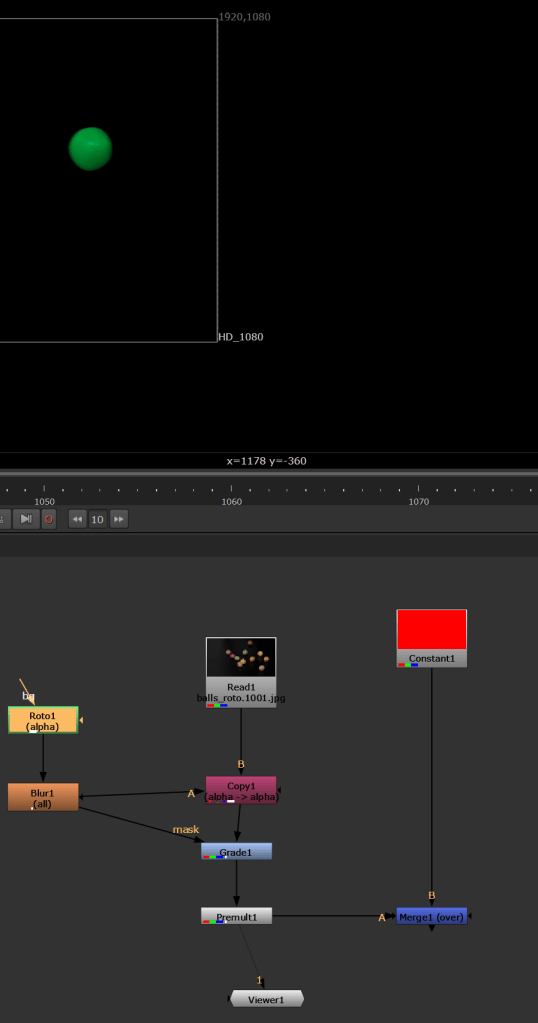
Here is the result of the skittle after:
Second task
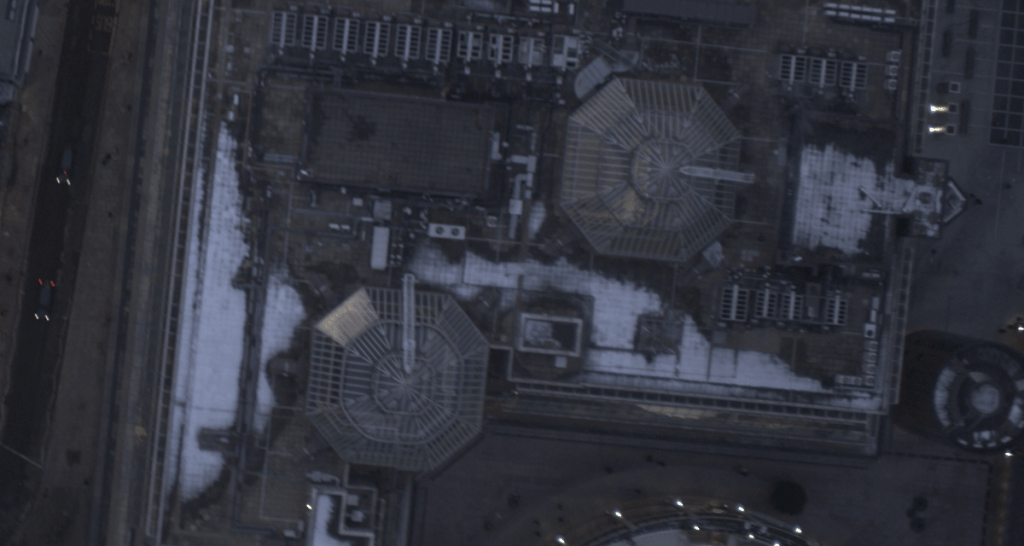
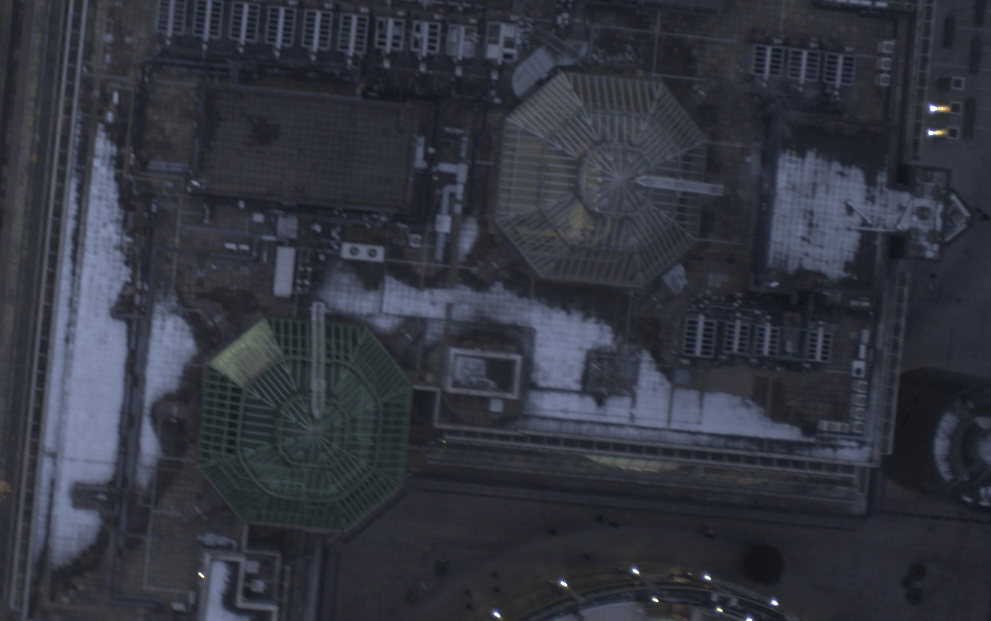
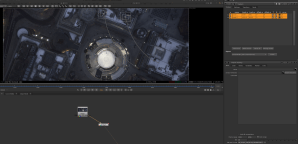
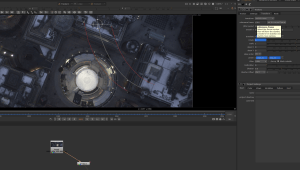
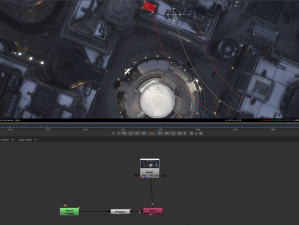
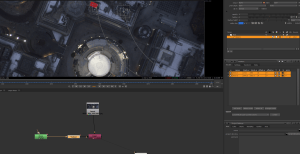
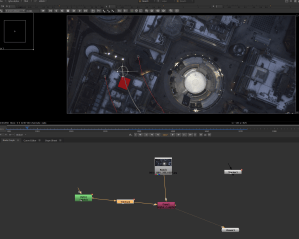
Here we are doing the exact same principle as the last task and practicing our ability to change a specific part of the sequence. following the same steps of the last task i changed the colour of the buildings glass roof to green while still keeping the reflections and lighting.
Week 3
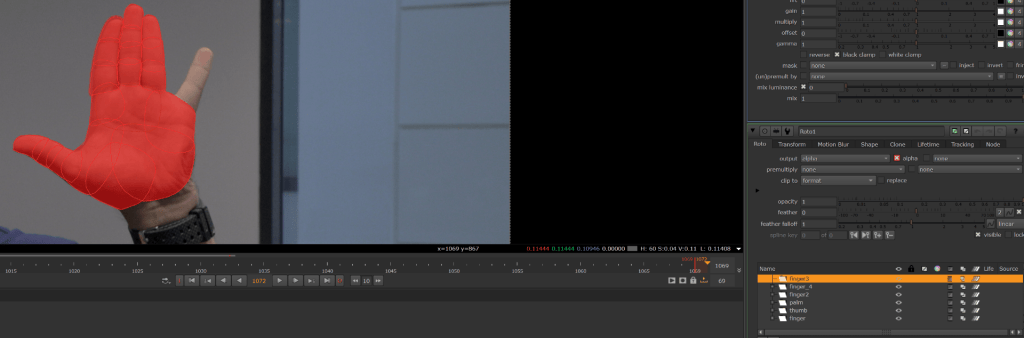
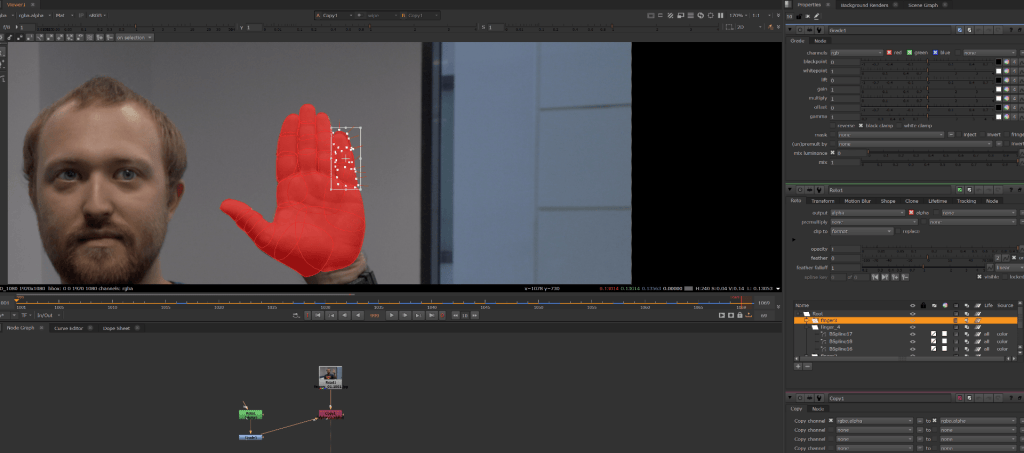
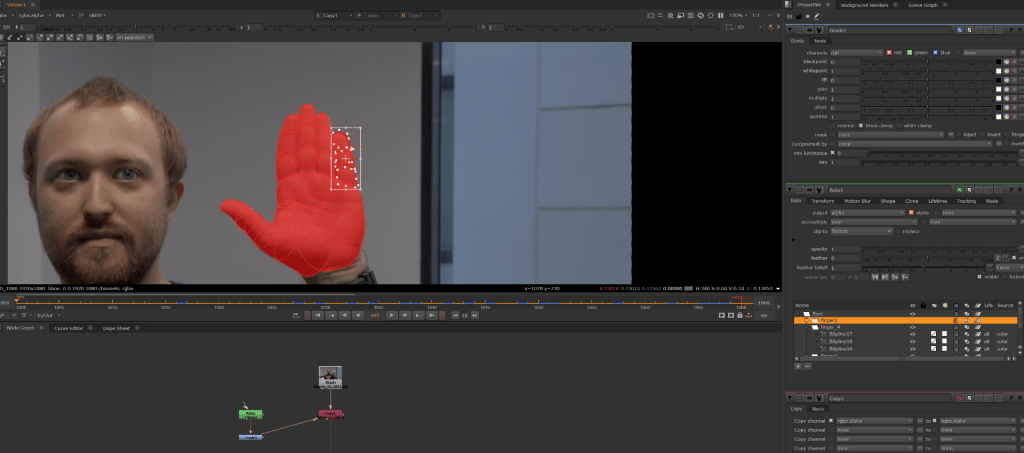
Week 4
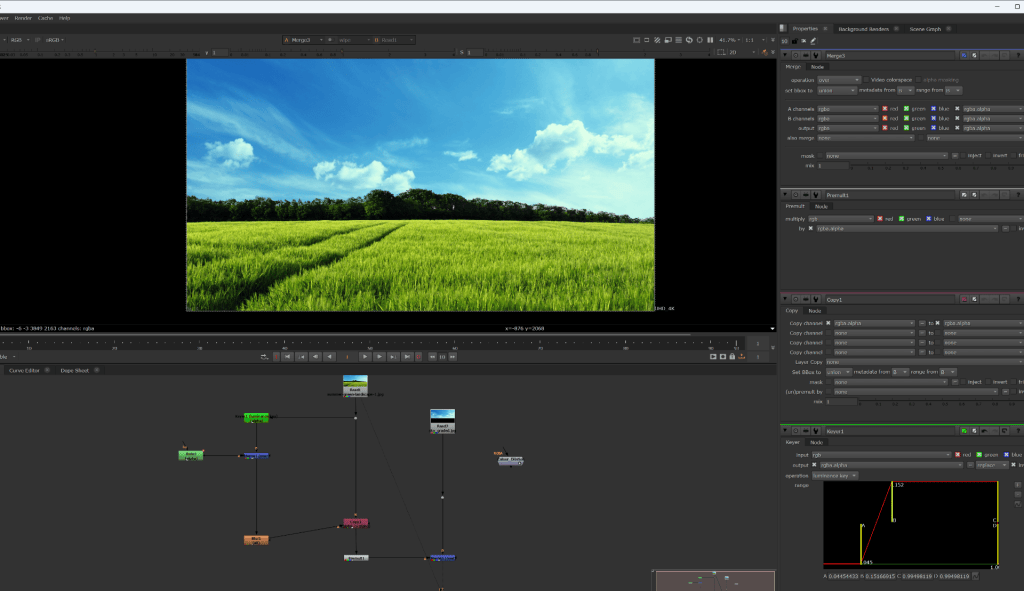

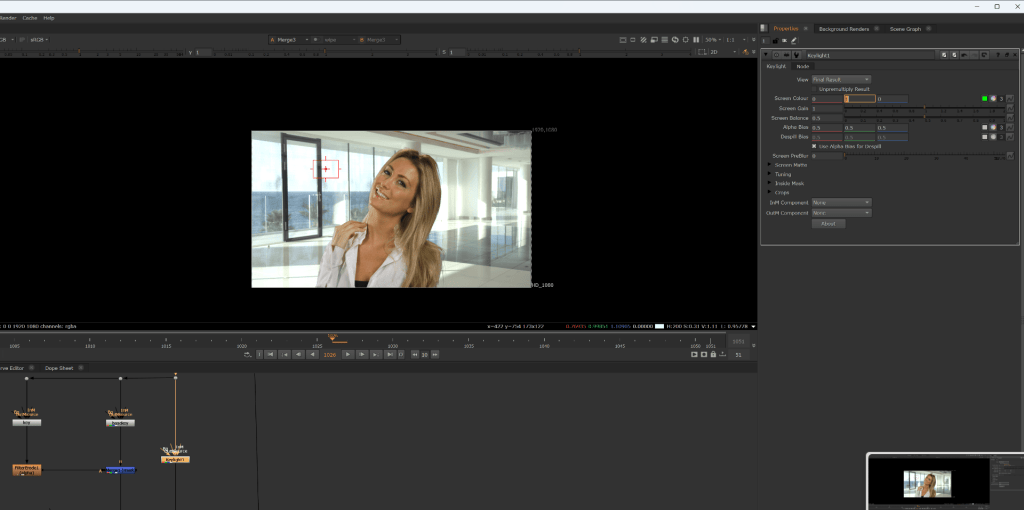
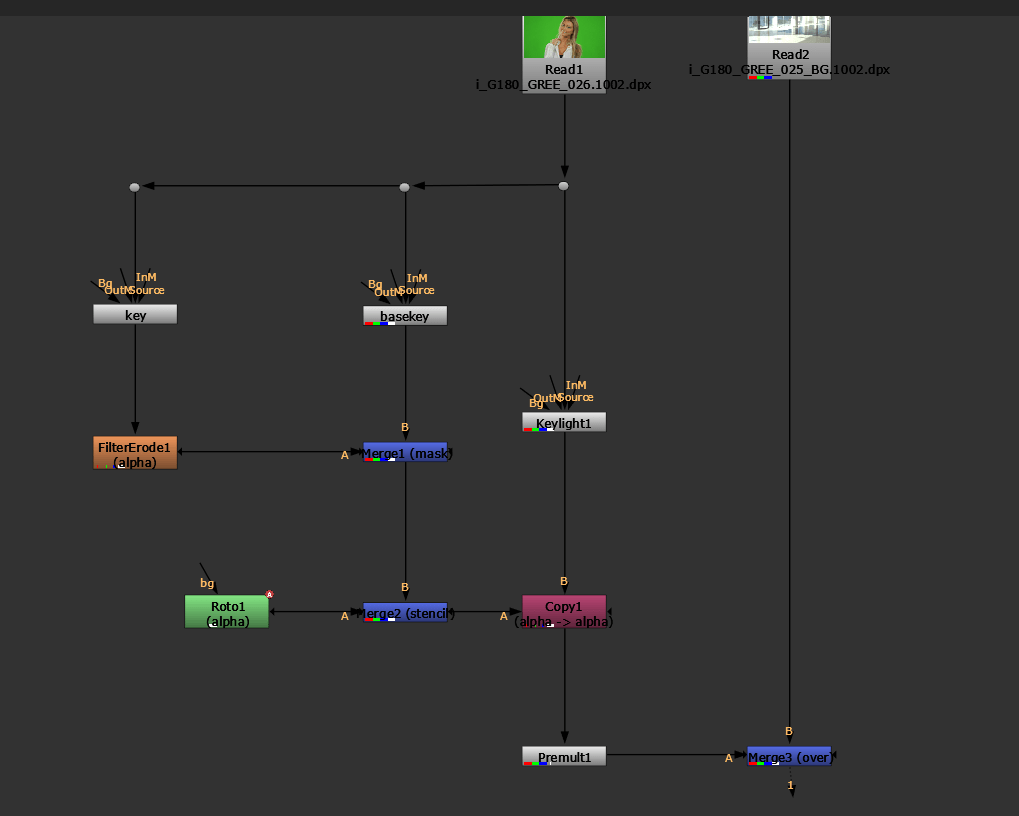
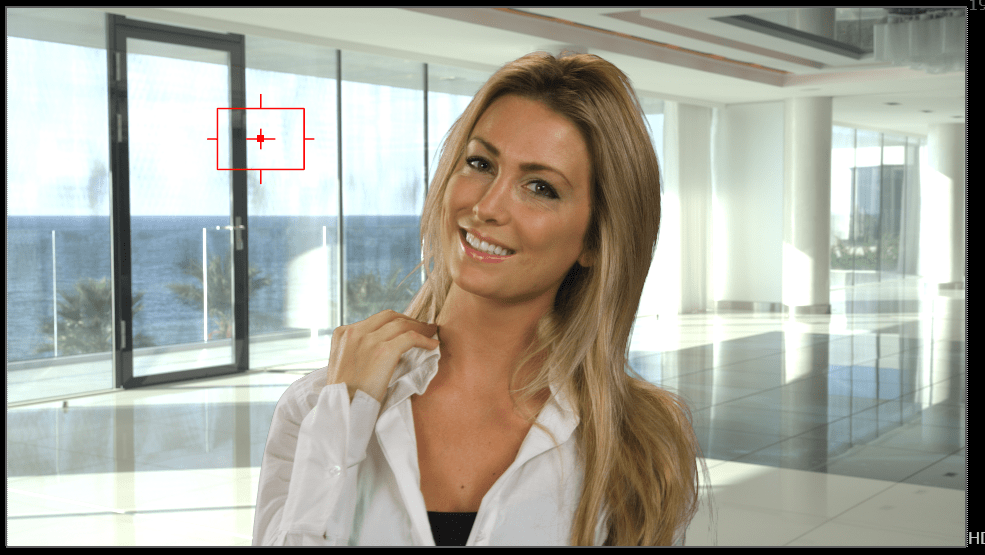
WEEK 5: Colour Correction and
Colour Grading
Grading Vs Correction
Colour Correction
• Matching Elements to the Plate
• Compensating for poor lighting
• Scientific
Grading
• Emulating a Film stock
• Aesthetic / Semiotic Effect
• Storytelling
TASK 2
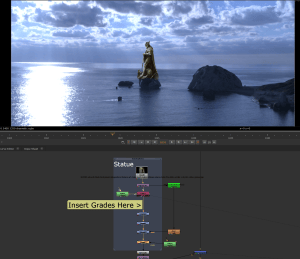
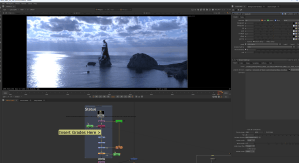
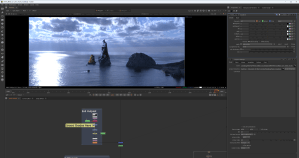
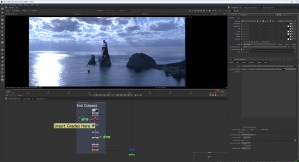
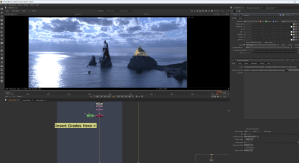
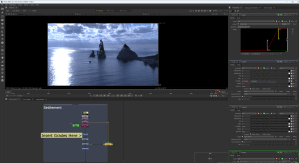
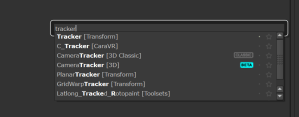
Week 6: Tracking in Nuke
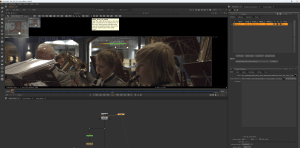
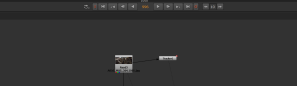
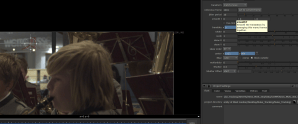
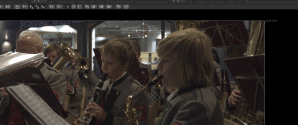

TASK2
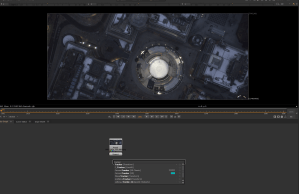
TASK 3